App Development
Android Shared-File Intake: Review the File and Destination Before Saving
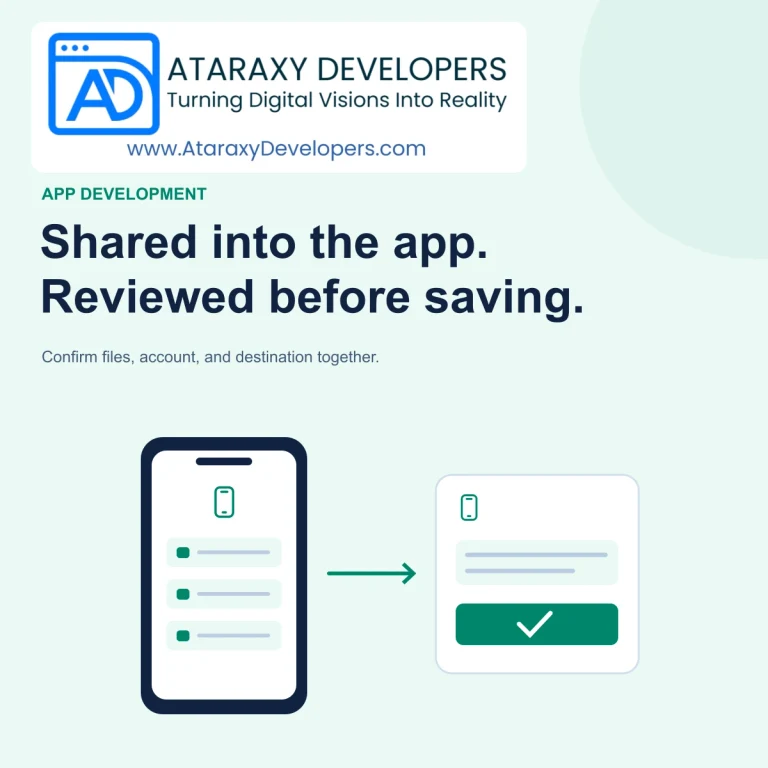
Design Android share intake around supported content, temporary access, destination review, and durable save receipts instead of automatic attachment.

App Development
Build Android text sharing around a clear content preview, the system Sharesheet, safe links, and honest status messages about selection, sending, and delivery.

LET’S BUILD SOMETHING USEFUL
Talk to Ataraxy Developers about your website, app, or custom software.
A Share button can send much more information than its label suggests. A project app might include a private customer name, a temporary access link, and an internal note in one piece of text. The recipient app may then show its own composer, modify the formatting, or wait for another confirmation. Good sharing design makes these boundaries understandable before information leaves the original app.
For Android products, begin with the exact material the person wants to share. A public article link, a private task reference, and a generated status summary need different previews and access rules. They should not all inherit a generic payload assembled from whatever happens to be visible on screen.
Write a small contract for each Share action: which text is included, which link is used, whether access is required, and whether the result describes a snapshot or a live record. For example, a task share might contain its public-facing title and a link that still requires membership. It should omit internal comments and contact details unless the person deliberately selects them.
Use a dedicated payload builder rather than copying the entire screen’s accessibility text or rendering tree. Screen content changes as features are added. A new administrative badge or hidden diagnostic field should not silently become part of a customer-facing message. Keep the share contract reviewable alongside the feature that produces it.
For consequential or generated content, show the actual text and destination link in your own review screen before opening the chooser. Let the user remove optional context or cancel. The preview should match the payload at the moment of sharing; do not silently regenerate it after approval and send different wording.
A short public URL may not need an additional confirmation screen every time. A private project summary often does. Choose the level of review according to the information leaving the app. Make long text scrollable, preserve readable line breaks, and explain that the next app may present the content differently. A preview is an opportunity to check meaning, not a promise of identical typography elsewhere.
Android’s documentation for sending data to other apps recommends the system Sharesheet for sharing content outside the app. A basic text share uses an ACTION_SEND intent with EXTRA_TEXT, an appropriate text MIME type, and Intent.createChooser. This lets the system present compatible targets instead of maintaining a custom catalogue of installed sharing apps.
Keep implementation choices tied to the payload. Plain text containing a URL should still work when the receiving app ignores optional titles or subjects. Do not make successful interpretation depend on one particular messaging application. If the product also shares files, implement that as a separate path with suitable content URIs and access grants rather than pretending a local file path is shareable text.
A link can point to a public page, an authenticated record, or a specially granted sharing resource. Explain which one the recipient will receive. Sharing a normal private record link does not make the record public. Conversely, creating a public sharing link is an access-control change and deserves a clear decision before the chooser opens.
Imagine a consultant sharing a project status with a client. If the client already has access, a normal record link may be sufficient. If they do not, the app should offer the established invitation or sharing workflow. It should not quietly append the sender’s session token, replace authentication with a hidden bearer credential, or change the whole project’s visibility.
Where temporary sharing links are an intentional product feature, show their scope and expiry separately from the message text. Consider whether the recipient app might create link previews. Avoid placing secrets or sensitive personal information in the URL itself. Review the actual access model with the team responsible for server authorization.
Opening the Sharesheet confirms that a chooser was displayed. Selecting a target confirms a selection. Neither event, by itself, proves that a person sent the message or that a recipient received it. The destination app may present another editor, fail to send, save a draft, or allow cancellation.
Name analytics and status text accordingly. “Share chooser opened” and “Target selected” are useful observations. “Client notified” is a stronger claim that requires separate evidence from a delivery mechanism you actually control. Do not use a generic share interaction to close a support case, satisfy a contractual notification step, or mark an invoice as delivered.
On return to the source app, preserve the user’s place and avoid a misleading success banner. If the product has no reliable delivery information, a neutral continuation is often clearer than asserting that the share succeeded. A genuine first-party send workflow can have its own acknowledgement and retry logic.
A record can change after the preview is prepared. Decide whether the shared text is an approved snapshot or whether the user must review again if important fields change. For a general progress update, a timestamped snapshot may be appropriate. For a price or approval decision, stale text may require regeneration and another review.
Keep the payload stable through the handoff. A background refresh should not replace the selected task with the currently highlighted row or switch the organization attached to a link. Retain an explicit record identity and account context until the share operation has ended. If access is revoked before preparation completes, stop and explain why the content is no longer available.
Use a small matrix of receiving apps and supported Android versions. Check an email composer, a messaging app, and a note-taking target. Verify long titles, non-Latin scripts, emoji, line breaks, URLs containing query parameters, and text without a URL. Ensure the useful information survives even when optional preview fields are ignored.
Test cancellation at the preview, chooser, and destination composer. Rotate the device or recreate the source activity during preparation. Change accounts before returning. Also test an unavailable receiving activity and an unusually large text selection. A failure should leave the original record and review text intact rather than creating another operation automatically.
For AI-assisted summaries, make the generated text editable and identify the source record and time. Require a human check for claims, amounts, and commitments. Exclude hidden notes from the model’s sharing context, and ensure accepted edits become the actual outbound payload. Fluency does not establish permission to disclose information.
An Android sharing flow should make the content and access boundary clear before handoff. Build a deliberate payload, offer review where it matters, use the system Sharesheet, and describe only the outcomes your app can observe. Test cancellation and account changes as carefully as the normal path so sharing remains predictable across receiving apps.
LET’S BUILD SOMETHING USEFUL
Talk to Ataraxy Developers about your website, app, or custom software.
KEEP EXPLORING
Design Android share intake around supported content, temporary access, destination review, and durable save receipts instead of automatic attachment.

Build reliable app links with verified domains, clear destinations, account checks, useful web fallbacks, and testing across real installation states.

Review sensitive mobile screens across app switching, capture, notifications, and reauthentication, with targeted controls and realistic limits.

