
Klantra
No More Spreadsheets. One Simple Dashboard.
Project Overview
Klantra is a client management CRM built specifically for freelancers and small teams. It replaces spreadsheets, chats, and scattered notes with one dashboard for managing clients, tasks, invoices, and communication, covering a project from onboarding through delivery and payment.
The Challenge
Freelancers switching from spreadsheets and scattered tools to a CRM are often wary of complexity. A product aimed at solo freelancers and small teams needs to feel simple and fast to adopt, not like enterprise software with a steep learning curve.
The site also needed to explain several connected features, client records, tasks, invoicing, email templates, WhatsApp messaging, and activity logs, without turning the homepage into a long list of disconnected capabilities. On top of that, it needed a pricing structure that felt approachable for an individual freelancer while still offering a credible path up to team and business level plans.
Our Approach
We built the homepage around a single clear message: stop juggling tools, manage everything from one dashboard. Every major feature, client management, task tracking, invoicing, email updates, WhatsApp messaging, and activity logs, is introduced as a solution to a specific piece of freelancer admin work, rather than as a standalone technical feature.
We structured the page to move from problem to solution to proof: an About section framing the freelancer’s daily chaos, a Services section breaking down each core capability, an Insights section showing the visibility freelancers gain, a Features section reinforcing simplicity and quick setup, then Pricing, FAQ, and testimonials from named freelancers in different roles. A persistent “Join for Free” call to action appears at nearly every section boundary, keeping the path to signup short no matter where a visitor stops scrolling.
Core Principles
- Lead with the problem freelancers know — spreadsheets, chats, and scattered notes are named directly
- Group features around real workflows — client, task, invoice, and communication tools are presented together, not as a feature list
- Keep the entry point low risk — a free plan is offered before any pricing conversation
- Make the pricing ladder clear — Startup, Pro, and Enterprise tiers scale with client and task limits
- Reinforce simplicity repeatedly — “no learning curve” and “quick setup” messaging appears in multiple sections
- Use real voices for proof — testimonials come from named freelancers with specific job titles
What We Built
Client Management Module
A section for storing client details, contacts, notes, and history in one place, keeping every client’s task and invoice history linked together.
Task Management Module
A task tracking system that lets users create tasks under each client, set status, and track progress from one dashboard.
Invoice Generation Module
An invoicing feature that generates invoices directly from tasks and tracks paid and unpaid status, connecting billing directly to completed work.
Email and WhatsApp Communication Tools
Ready to use email templates for professional client updates, plus a WhatsApp messaging option with prefilled messages for faster, informal communication, with all communication logged automatically.
Activity Log System
A running log tracking every action across clients, tasks, and invoices, giving freelancers a full history for clarity and accountability.
Tiered Pricing Structure
A three tier pricing ladder, Startup (free, up to 5 clients and 15 tasks), Pro Plan, and Enterprise, each adding unlimited clients and tasks, deeper support levels, and full automation features.
FAQ and Trust Section
A frequently asked questions section addressing common concerns such as international client support, free plan availability, invoicing, and whether technical knowledge is required.
The Work (Visual Showcase)
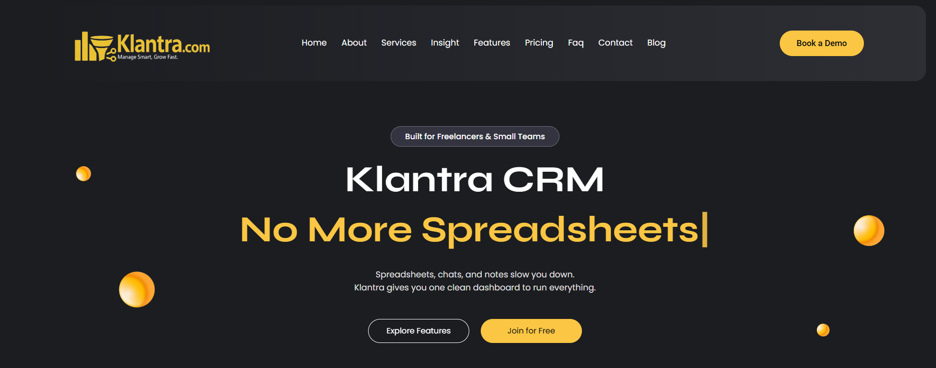
Klantra homepage hero section (desktop)
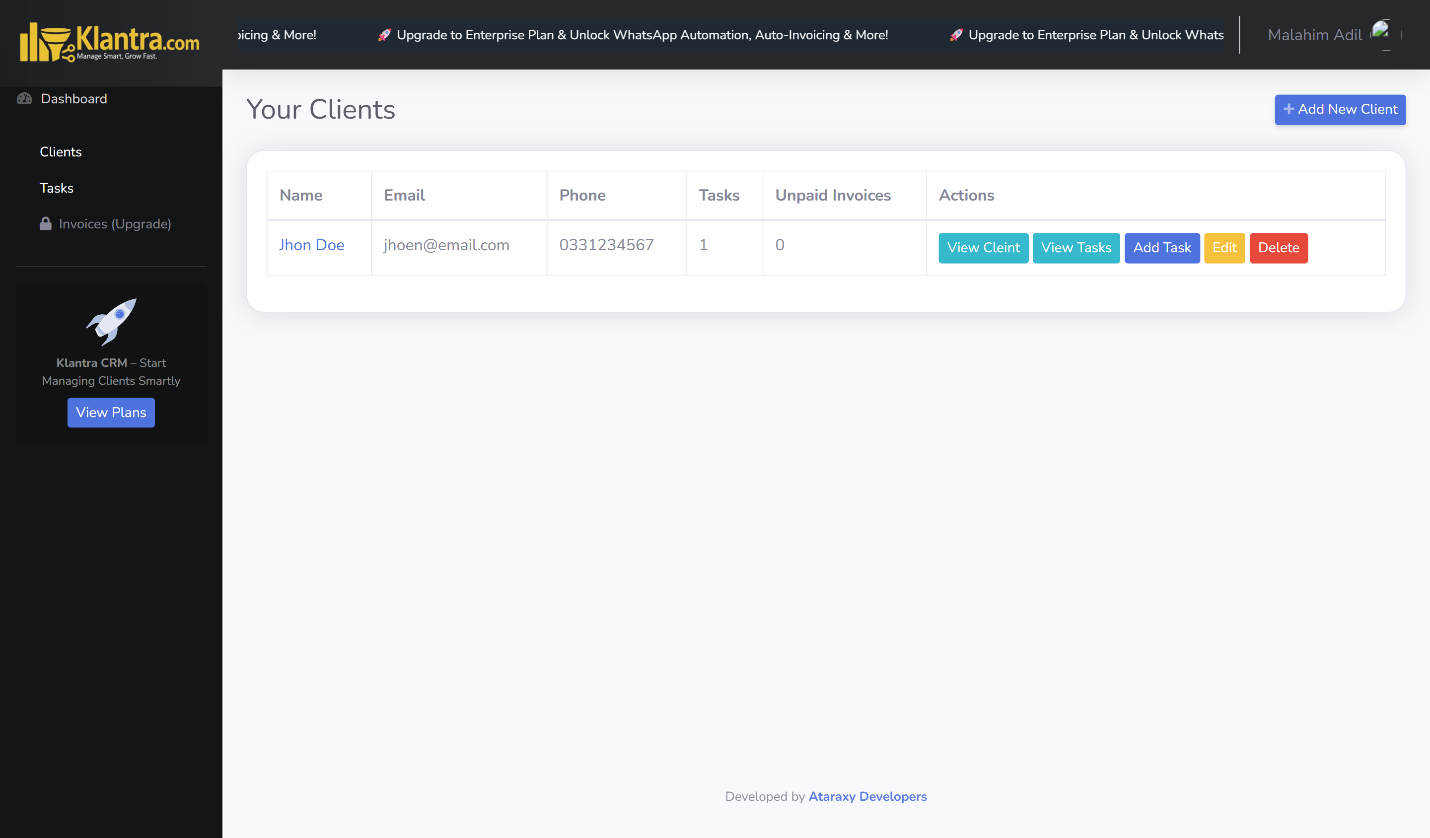
Client Management (desktop)
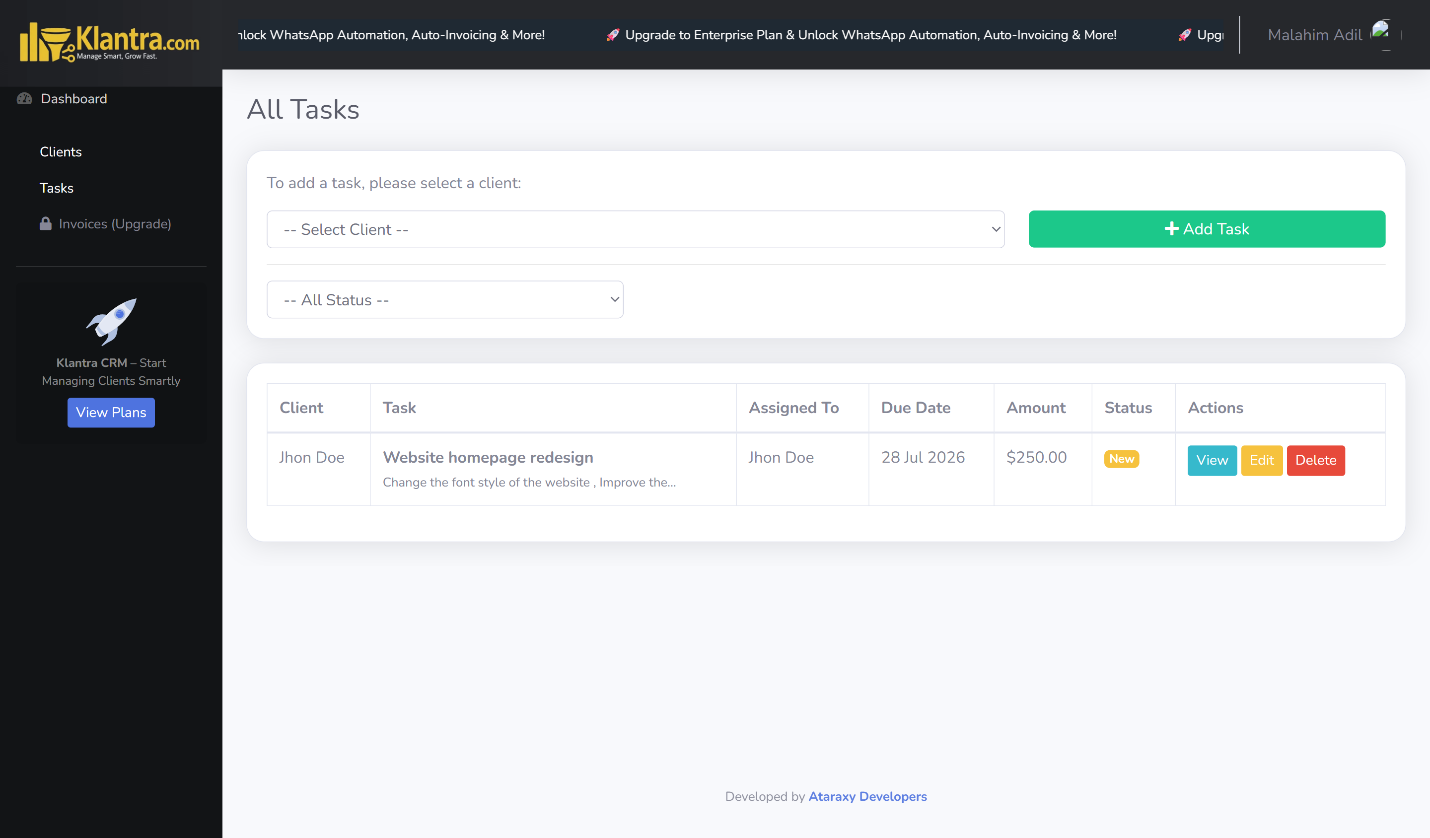
Task Management (desktop)
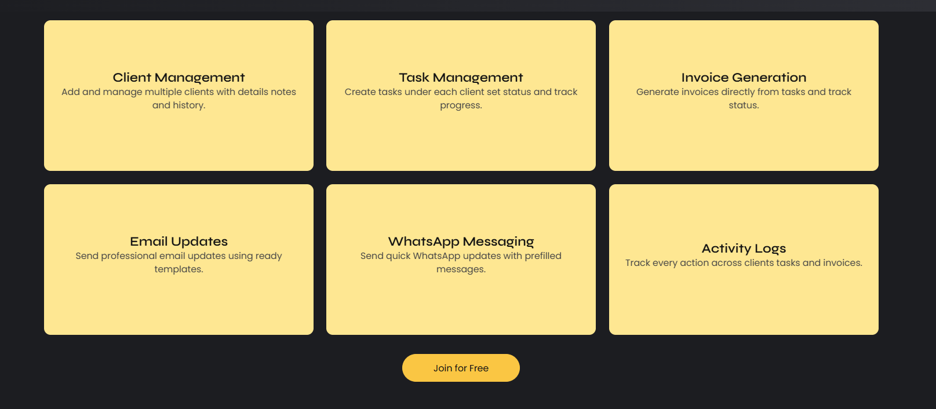
Services section covering client, task, invoice, and communication tools (desktop)

Insights section showing task, billing, and activity visibility (desktop)
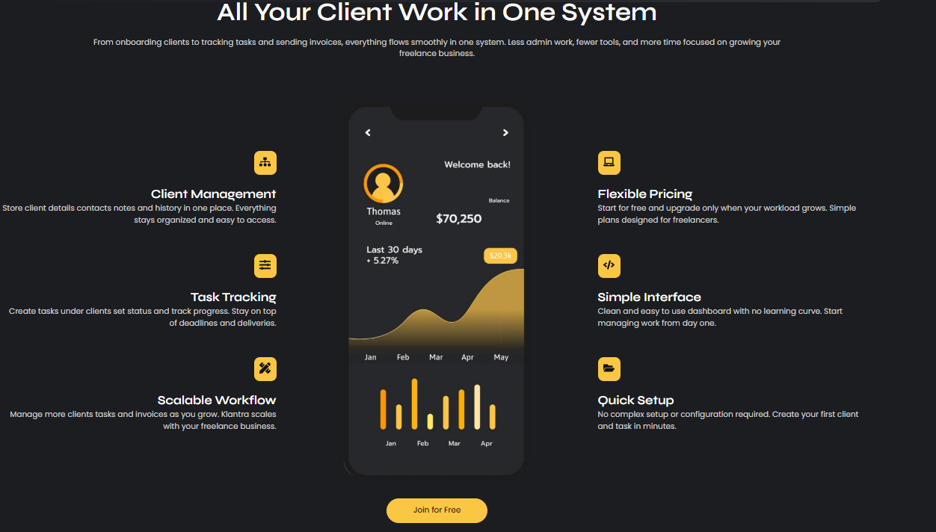
Features section highlighting simplicity and quick setup (desktop)
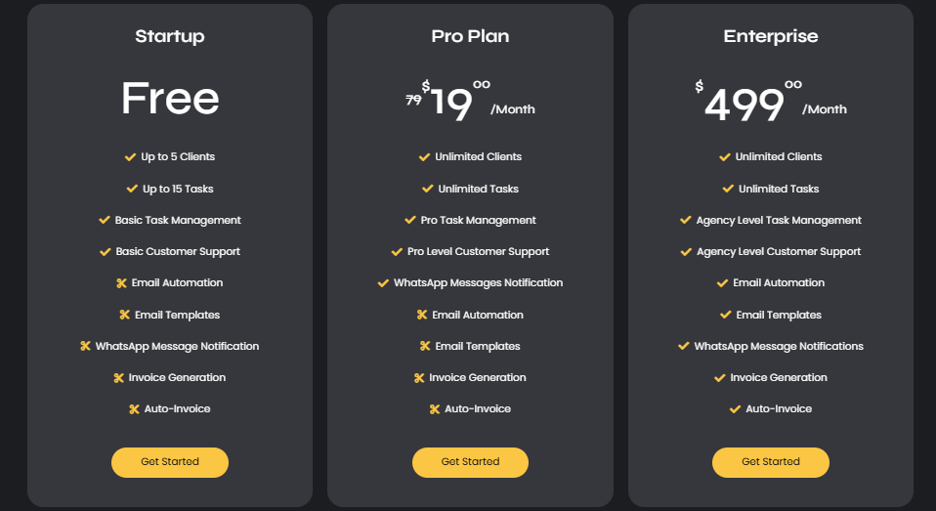
Pricing section with Startup, Pro, and Enterprise tiers (desktop)
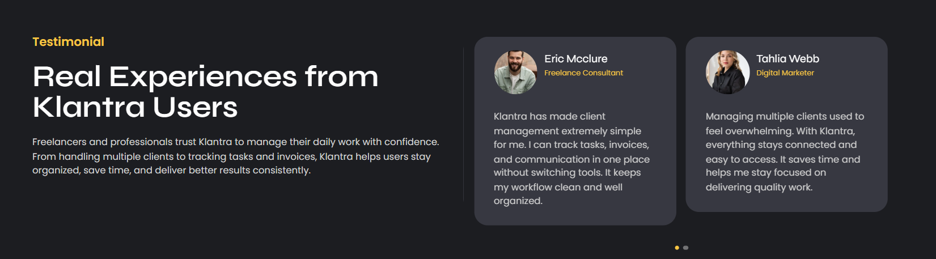
Testimonial section with named freelancer users (desktop)
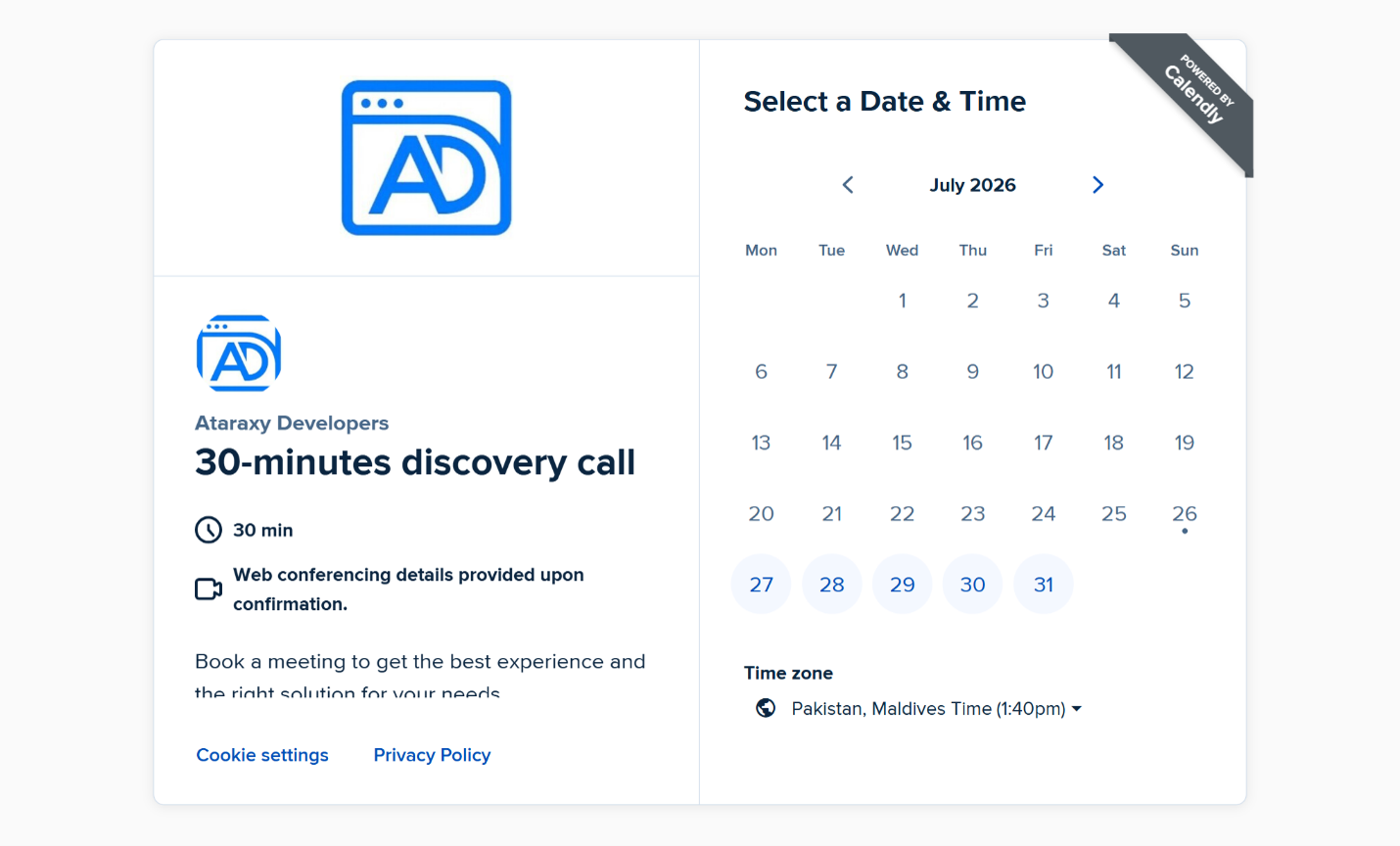
See It In Action
Results
Klantra is a live, actively operating SaaS product, so results are described using features visible on the live site. The site offers a free Startup plan alongside Pro and Enterprise tiers, and displays stat counters for freelancers using Klantra, client ready workflows, and client actions logged, alongside testimonials from users identified as a freelance consultant, a digital marketer, a web developer, and a virtual assistant.
As a portfolio piece, the project shows how a multi feature SaaS product, covering clients, tasks, invoicing, and communication, can be explained clearly to a non technical freelancer audience while still supporting a full pricing and signup funnel.
Technology Stack
- Frontend: WordPress with Elementor page builder, HTML5, CSS3, JavaScript
- Application: Separate web app for signup and dashboard access (app.klantra.com)
- Scheduling: Calendly integration for demo bookings
- Analytics: Site Kit by Google
- Hosting: Managed WordPress hosting for the marketing site, separate hosting for the application
- Contact and Support: Contact form, phone contact, email contact, embedded map location
Project Timeline
| Phase | Milestone | Duration | Key Activities |
|---|---|---|---|
| Phase 1 | Discovery and Positioning | Week 1 | Freelancer pain point research, competitor CRM review, messaging strategy |
| Phase 2 | Core Site Build | Weeks 2 to 3 | Homepage layout, About and Services sections, feature breakdown |
| Phase 3 | Pricing and Signup Flow | Weeks 4 to 5 | Pricing tier structure, Join for Free flow, Calendly demo booking integration |
| Phase 4 | Content and Trust Polish | Week 6 | FAQ section, testimonials, blog section setup |
| Phase 5 | Launch and Iteration | Ongoing | Go live, ongoing blog content, pricing and feature refinement |
Have a similar project in mind?
Whether you’re building a SaaS product, a tool for freelancers and small teams, or a platform that needs to turn a complex workflow into one simple dashboard, we’d love to talk about what we can build together.
AtaraxyDevelopers@gmail.com | WhatsApp: +92 312 5303767