
Web Development
Accessible Quote Request Forms: Validation, Uploads, and AI Triage
Build a quote request journey with clear questions, accessible validation, safe attachments, reliable delivery, and useful AI triage.

Custom Portals
Design document intake with explicit upload states, private quarantine, scoped processing, authorized downloads, and clear handling of rejected or delayed files.
LET’S BUILD SOMETHING USEFUL
Talk to Ataraxy Developers about your website, app, or custom software.
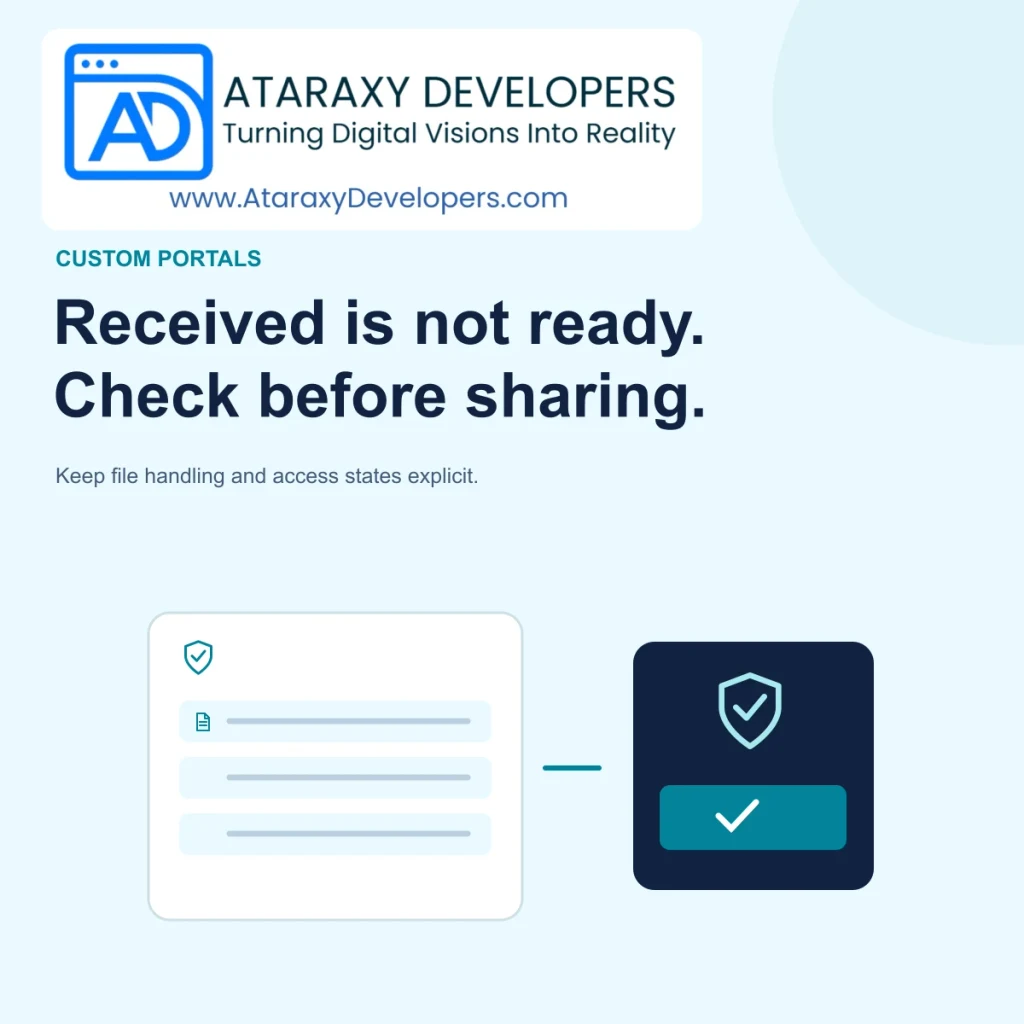
A portal can finish receiving a file before that file is suitable for anyone to open. It may still need validation, malware scanning, format conversion, or a business review. If the interface shows one green uploaded label for every stage, users and staff can assume a document is ready when the system has not finished checking it.
Consider a fictional procurement portal collecting supplier certificates and technical documents. The requester needs confirmation that the file arrived, the processing system needs a safe place to examine it, and the reviewer needs an authorized way to access the accepted result. Separating those responsibilities creates a clearer workflow and limits the consequences of a problematic upload.
Start with the business requirement for each document field. A certificate upload may accept a small set of document formats and a defined size range. A technical drawing may need a different path. Do not accept every file type simply to avoid discussing requirements with the operations team. Each accepted format creates processing, storage, preview, and support responsibilities.
OWASP’s File Upload Cheat Sheet recommends layered controls such as allowed extensions, type validation, size limits, authorized uploads, application-generated filenames, and appropriate storage separation. It also warns against trusting a supplied content type as the sole check. Use that guidance as a baseline, then have the implementation reviewed against the portal’s actual architecture and accepted formats.
Model a sequence such as receiving, quarantined, checking, available, rejected, and review required. The exact labels can be simpler for users, but the internal states should distinguish unfinished checks from accepted documents. Give each file a stable identifier and link it to the intended supplier record. Completion of the byte transfer should not automatically make the object downloadable.
For the procurement example, show received and checking while automated processing runs. If a check takes longer than expected, preserve that status and explain the next action. Avoid showing a successful review before a reviewer has acted. The business approval state should remain distinct from the security and format checks that determine whether the file can be opened safely through the portal.
Place new objects where normal document viewers and download routes cannot serve them before required checks complete. Ensure that a guessed object URL or a copied upload response does not bypass the quarantine state. Review direct storage access, cached responses, generated thumbnails, and preview services as part of the same boundary. A hidden download button is not enough.
Use an application-generated storage name and preserve the original filename as display metadata where appropriate. Keep each supplier’s objects associated with the correct organization. Processing workers should receive only the access needed for their task. The design should avoid letting one document’s filename control where another file is written or which business record is updated.
A scanner or conversion service can be unavailable, time out, or return an uncertain result. Decide how the portal handles each case. A failed check should not quietly become an accepted file because a worker exhausted its retries. Keep the object unavailable until the required outcome is known or an authorized, documented exception process applies.
Distinguish a rejected document from a technical delay. The supplier can replace an unsupported file, but they may have no useful action when the processing service is temporarily down. Give staff a queue with the reason, elapsed time, and safe retry action. Record attempts so a repeated worker response cannot move an object backward from a newer state or attach multiple accepted versions accidentally.
Thumbnails, converted PDFs, extracted text, and AI summaries are derived from the source document and need an appropriate access policy. Do not publish a preview to a public asset location while keeping only the original private. Track the source version and processing version for each derivative so the portal can invalidate or replace them together when the document changes.
Review processing components as part of the upload surface. A preview generator still parses untrusted input, even if the final result is only an image. Limit the work it can perform and keep the component maintained. Avoid exposing raw parser details to the supplier in an error message; provide a useful reason and an internal reference that support can investigate.
Verify that the requesting person can access the supplier record and the specific document in its current state. Membership, role, document classification, and version can all matter. A user who uploaded a file earlier may no longer belong to the organization. Download access should follow the current policy rather than treating possession of an old page link as sufficient authority.
If the architecture issues temporary download links, define their scope and lifetime and review how they behave after access changes. Keep sensitive links out of broadly accessible logs and notifications. The portal should explain when a link has expired and provide a normal authorized path to obtain another. Do not label a file missing when the actual problem is that the caller is no longer permitted to retrieve it.
A replacement should become a new version with its own checks, rather than inheriting the previous file’s accepted state. Keep the old version’s business review attached to that old version. The reviewer may need to compare them, but the system should not present a newly uploaded certificate as already approved because it occupies the same form field.
Define how abandoned uploads and rejected files are retained or removed. Include partial objects, derivatives, temporary processing files, and stale references. Use a documented retention process rather than ad hoc cleanup that might remove evidence needed for an active request. When deletion is authorized, record the outcome and verify that ordinary download and preview paths no longer serve the removed object.
Tell the supplier which file needs attention and what can be done. An unsupported format message should name the accepted alternatives. A size problem should show the applicable limit. A document awaiting internal review should identify that no re-upload is required. Keep previously accepted documents intact when another attachment fails. A single failed upload should not force the user to rebuild the entire submission.
Provide staff with the same state vocabulary. Support should be able to distinguish a file that never arrived from one quarantined for checking or awaiting a business decision. Use reference IDs to connect the interface with processing records. Avoid sending suppliers to email documents as an automatic workaround when that would bypass the portal’s access and handling controls.
AI can suggest expiry dates, document categories, or a concise summary for an authorized reviewer. Treat extracted values as proposals and retain a reference to the exact source version. A confident-looking expiry date can still be wrong, so show the relevant evidence and a correction path. Do not allow a document’s embedded instructions to authorize portal actions or change processing rules.
Apply the same organization boundaries to prompts, extracted text, summaries, and search indexes. Use only approved processing services for the document’s sensitivity. Optional AI failure should not obscure the basic file status, and successful extraction should not imply business approval. Test the entire flow with representative documents, malformed inputs, interrupted transfers, permission changes, and a temporarily unavailable processor before release.
Secure document intake separates receiving a file, checking it, reviewing its business meaning, and granting download access. Keep quarantine and derivatives controlled, make failures explicit, and bind every outcome to the correct version and organization. Clear states and recovery choices help suppliers and reviewers understand what is ready and what still needs attention.
LET’S BUILD SOMETHING USEFUL
Talk to Ataraxy Developers about your website, app, or custom software.
KEEP EXPLORING
Build a quote request journey with clear questions, accessible validation, safe attachments, reliable delivery, and useful AI triage.
Plan vendor onboarding with clear requirements, document versions, review ownership, expiry tracking, and human-verified AI extraction.
Manage client document revisions with stable identities, version-specific decisions, clear current-file labels, and controlled access.


